Your Android control center, one swipe away.
One-tap toggles, a dynamic island, an edge panel, a notification center and a calm home screen launcher for any Android phone.
Free to start · No account · Android 8 and newer
27 control center templates
A control panel that fits your style.
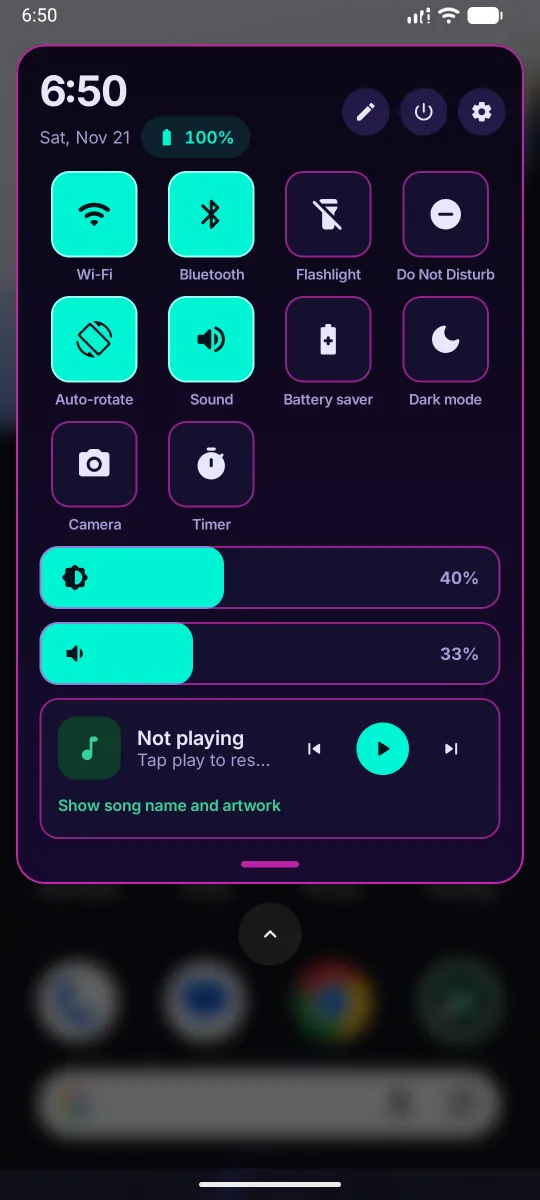
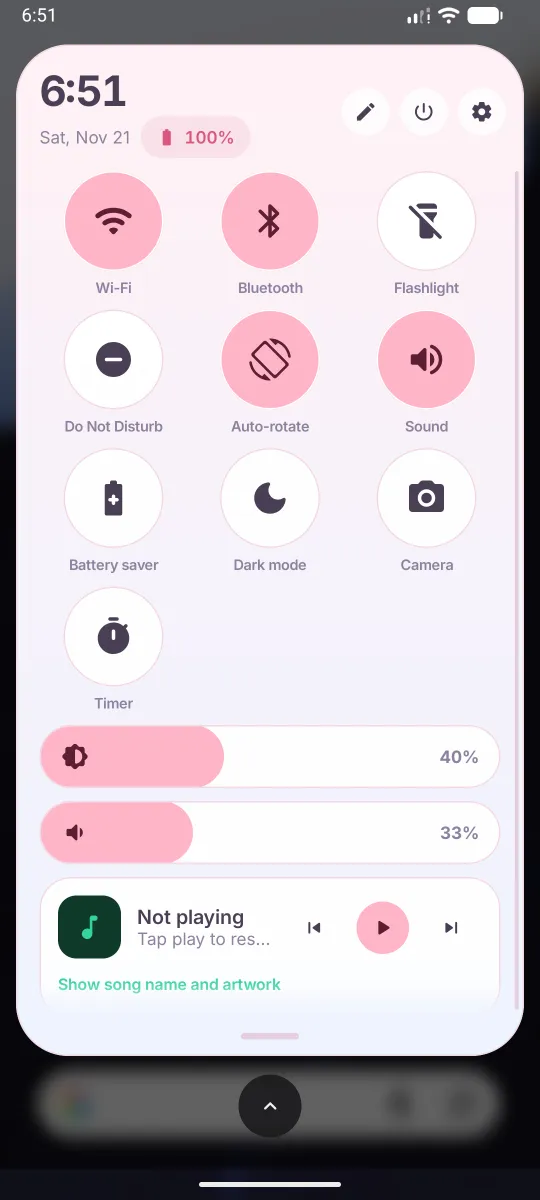
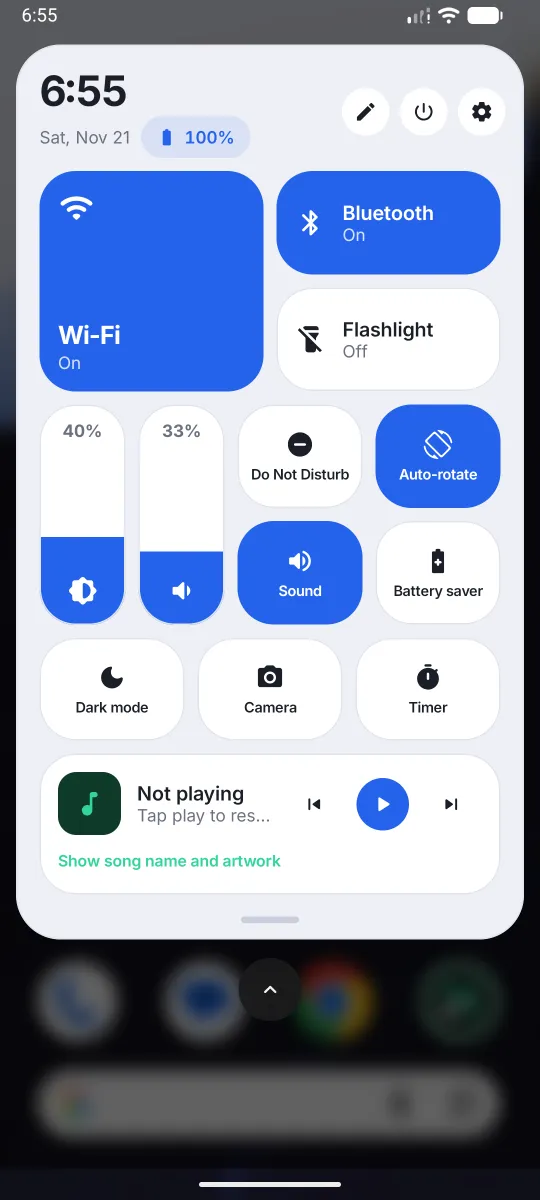
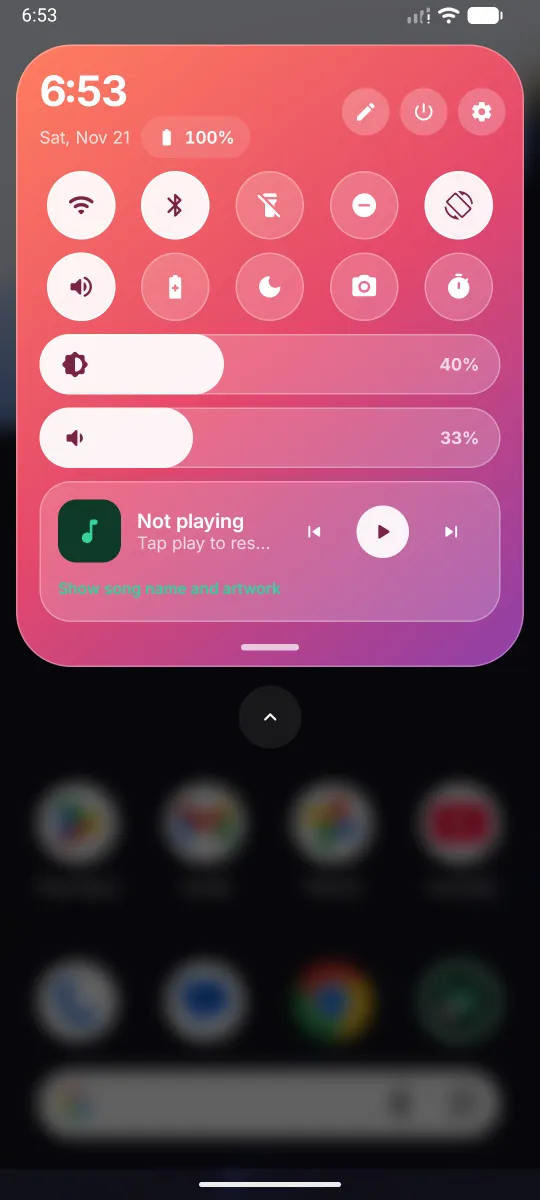
and it all just works
Quick settings that switch in place.
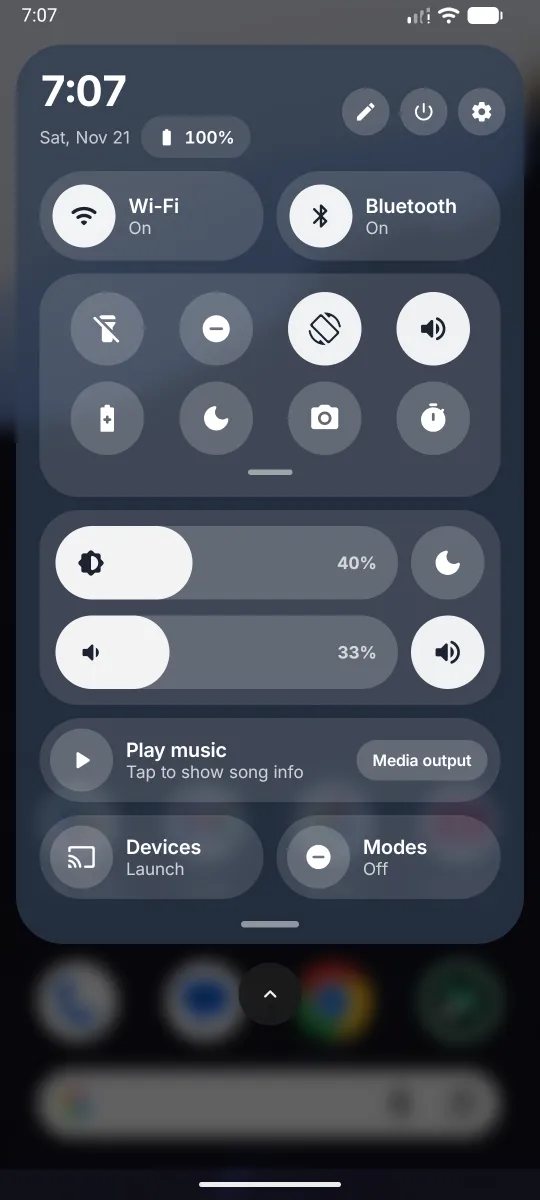
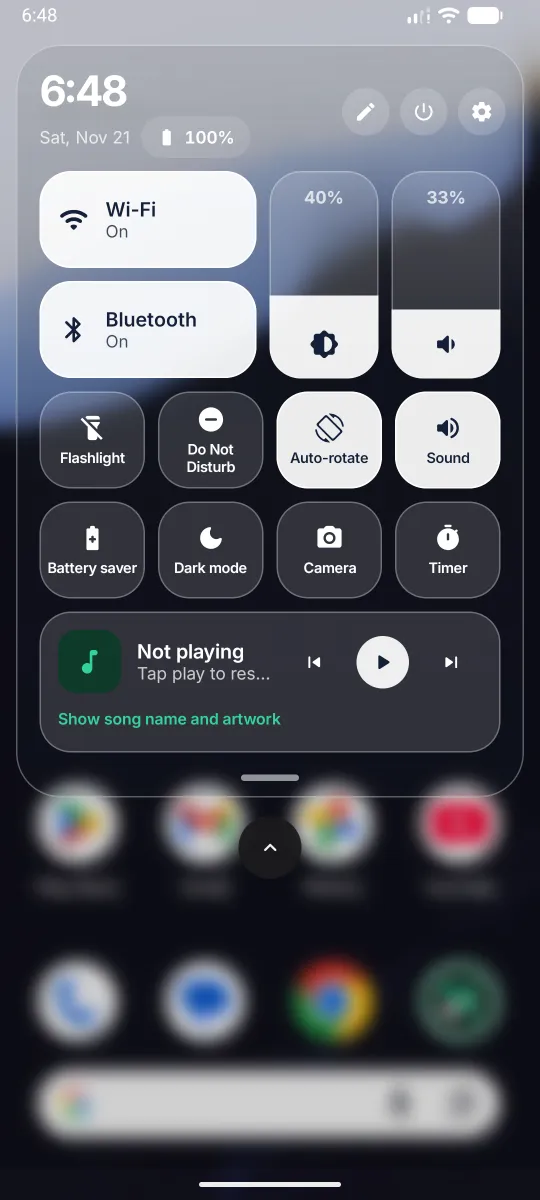
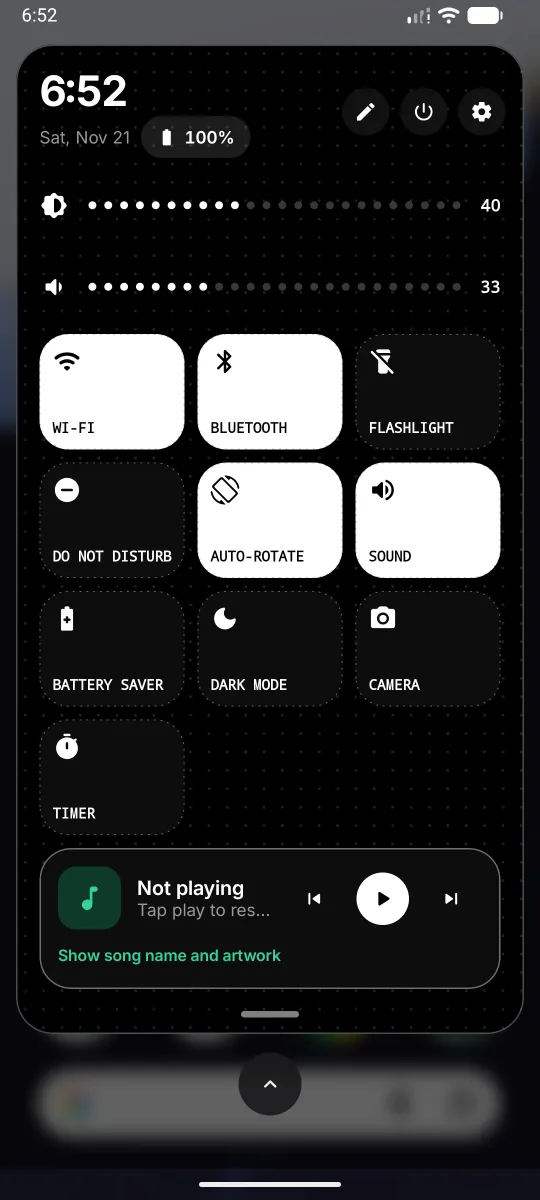
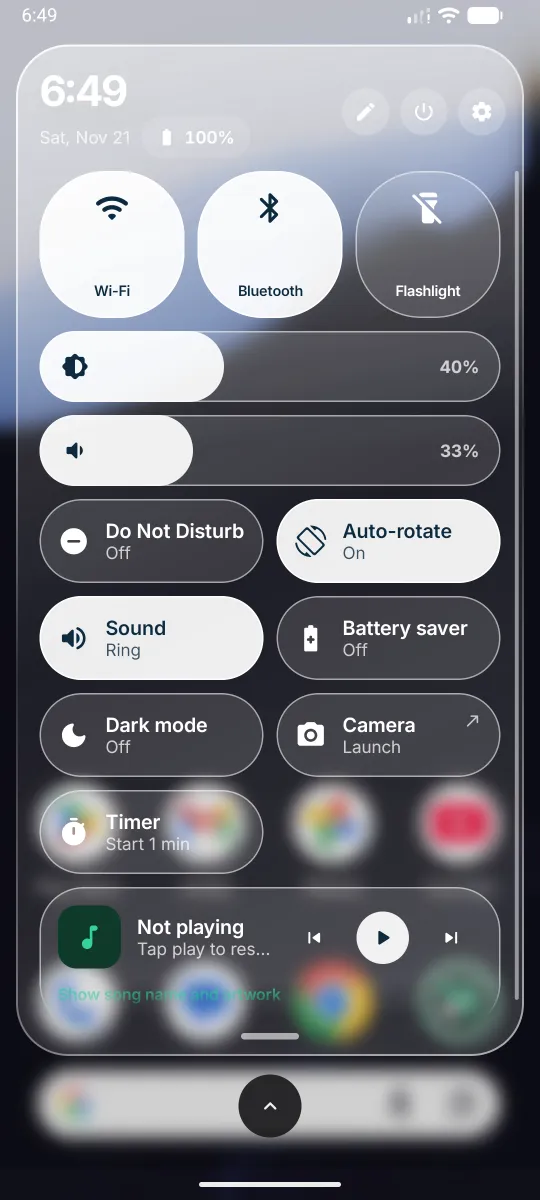
Tap a tile and it switches right there. No jumping into Settings, no detours.
One-tap toggles
Switch it, don't search for it.
Wi-Fi, Bluetooth, dark mode, battery saver, airplane mode and more flip in place. Press and hold any tile to open its full settings.
Dynamic island
Music, timers and calls at a glance.
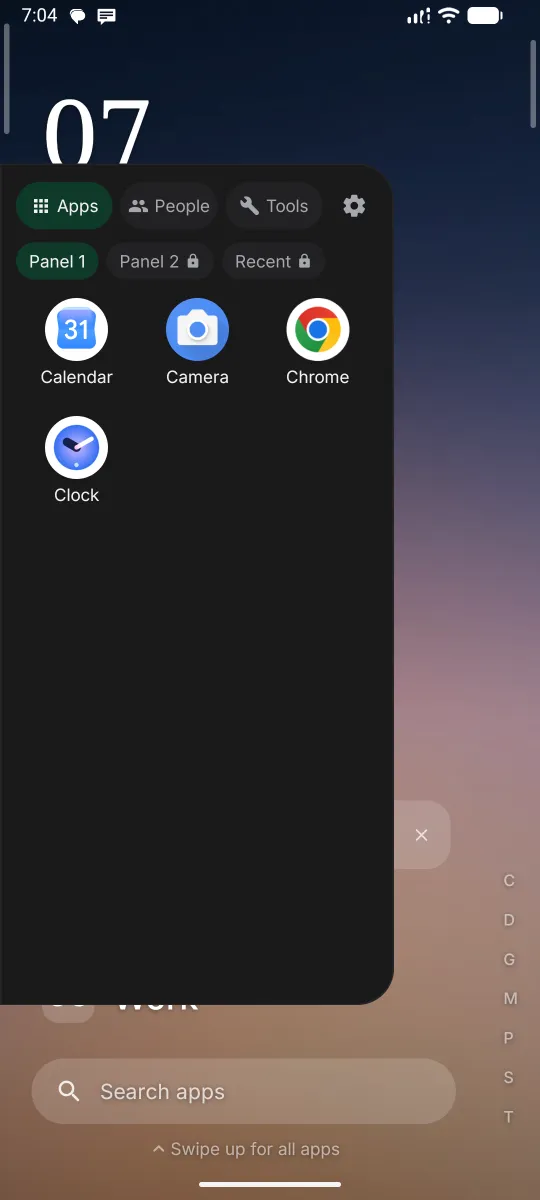
Edge panel
Favorite apps, people and tools, one swipe in.
Notification center
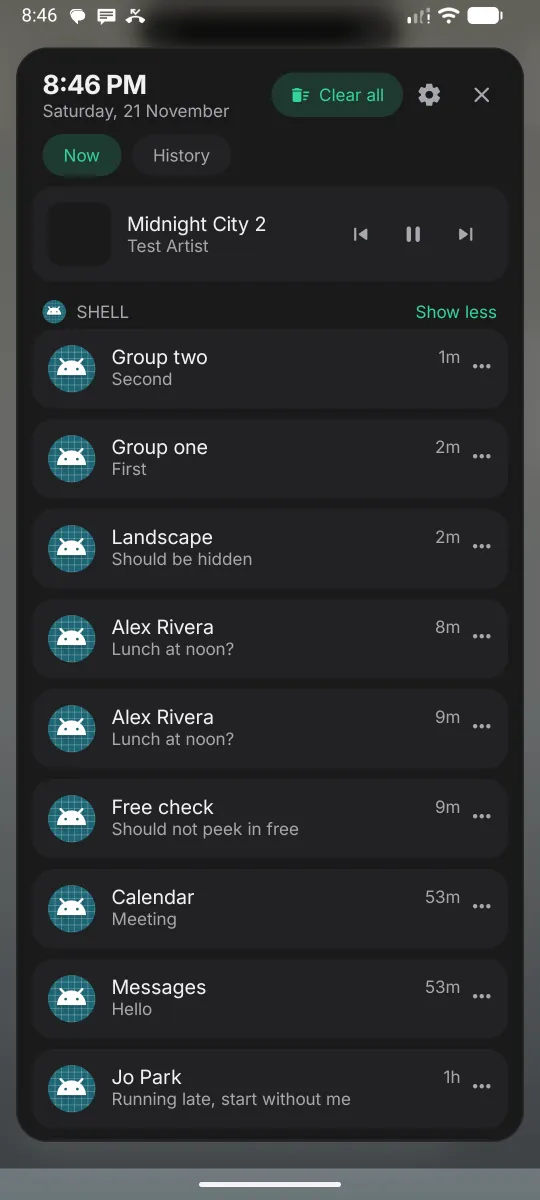
Grouped, calm, with history you can trust.

43 wallpapers
Crop, blur and dim. Set home, lock or both.
Tap to switch. Hold for settings.
The same muscle memory as your phone's own panel, with Edit, Power and Settings always at the top.
Your phone, your data.
No account and no Tilo servers. Your layout, notification history and settings stay on your phone.
pick a look that feels like you
Glass, neon, paper, pastel, bold cards or a quiet list. Preview every template live before you apply it.

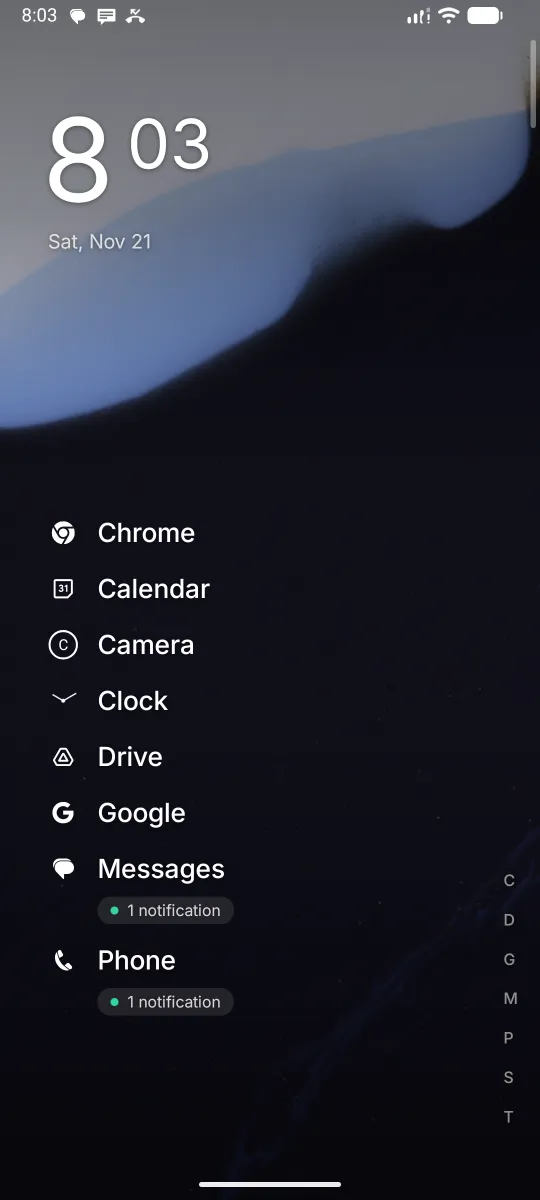
a home screen that gets out of your way
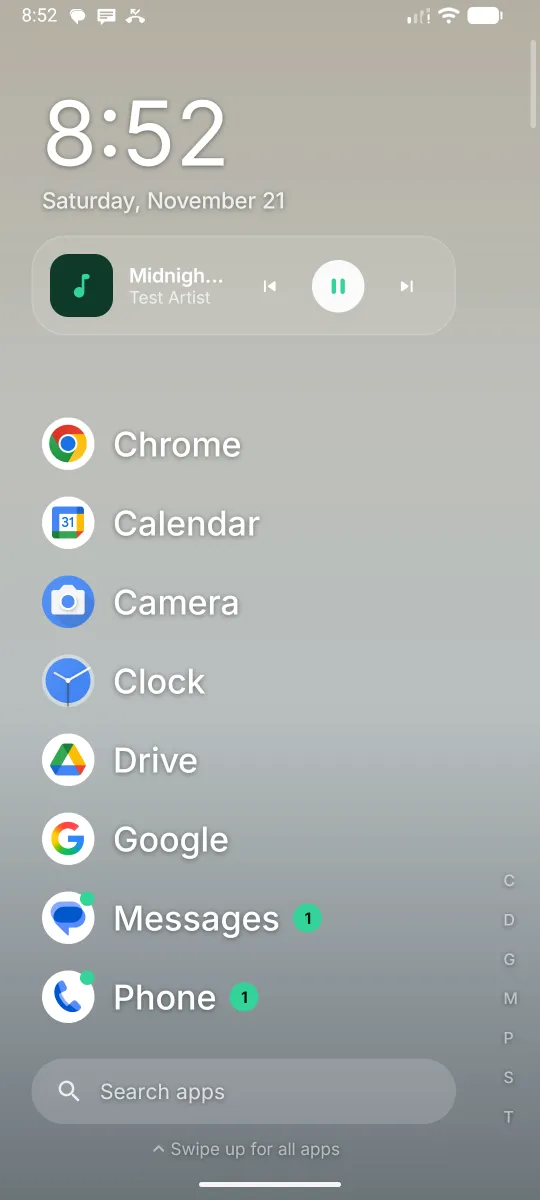
A short list of favorites under your thumb. Slide along the letters to find any app, and see music and messages without opening a thing.

the island your phone was missing
A live pill around your camera for music, charging, timers and calls. Tap to expand, hold to jump into the app.

9:41
Sunday, 22 November
Tilo Home, five layouts
A one-hand home screen launcher.
Set it as your home screen in two taps, and switch layouts any time.
Free
Cove
Favorites, music and notification counts in one calm list.
- Back closes search, then the app list
- Long-press any app for its shortcuts
- Search apps in a few letters
- Light and dark wallpapers stay readable
Tilo Home
Make it yours in one tap.
Seven clock styles, line or dot icons, icon packs and curated wallpapers. Calm by default, personal in seconds.
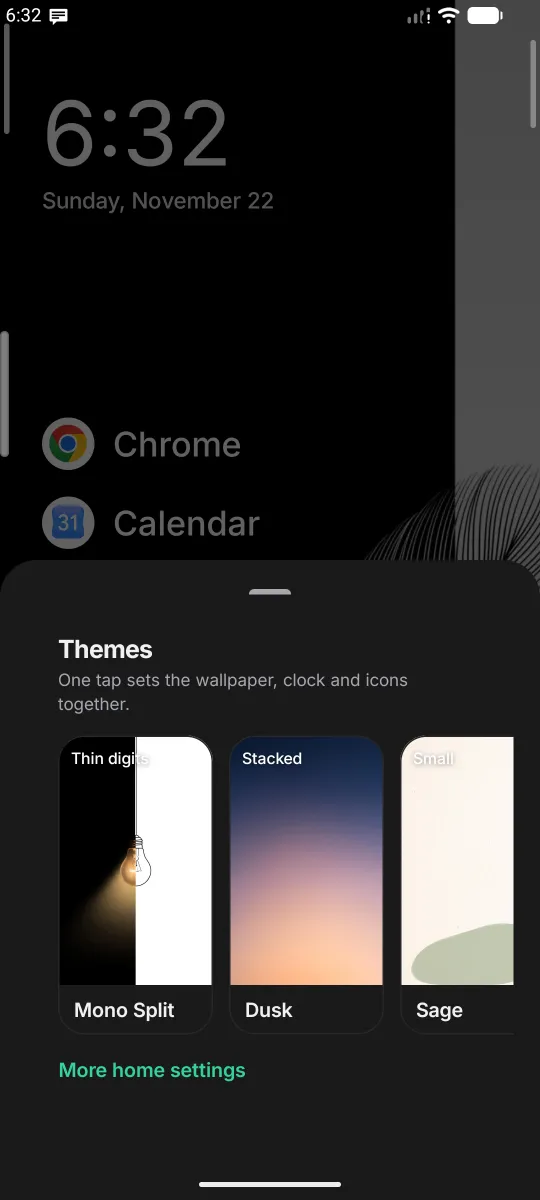
One-tap themes
Wallpaper, clock and icons change together. Three themes are free.
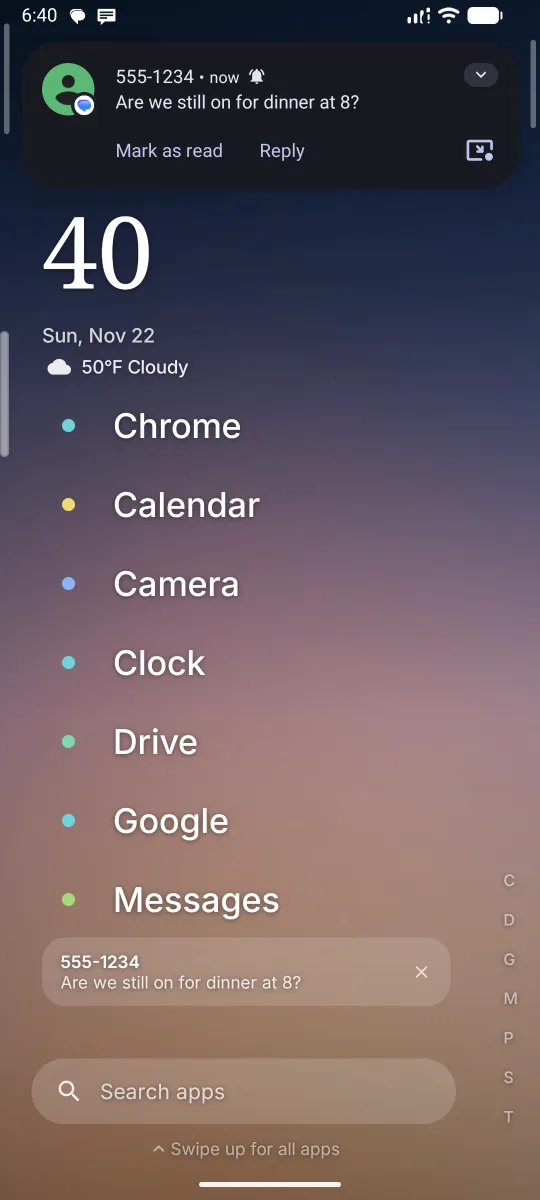
Reply from home
See the latest message under the app and answer with a tap. Off until you turn it on.
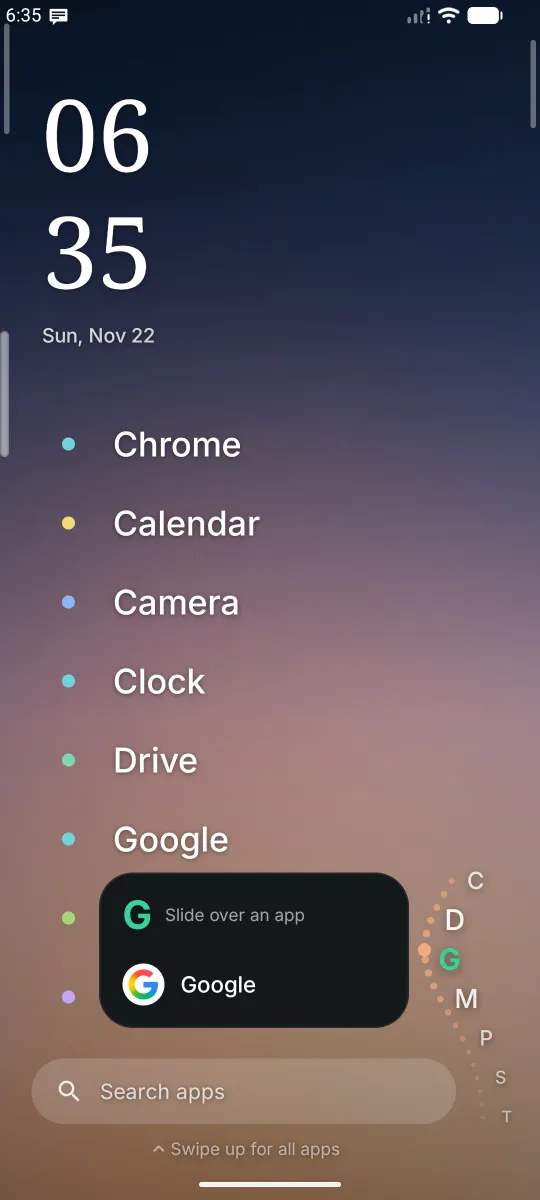
A wave that follows you
Slide along the letters and a dotted trail bends out under your thumb.
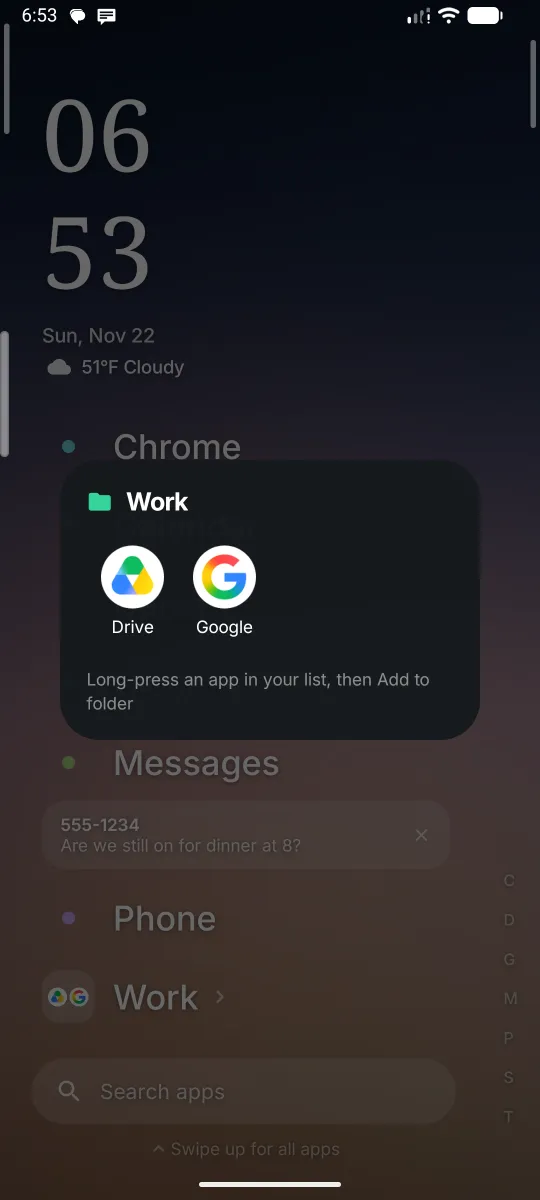
Folders and weather
Pop-up folders, renamed apps and a weather line under the clock.
27
control center templates
43
wallpapers, home and lock
10
one-tap home themes
0
accounts to create
Private
Stays on your phone
No account
Open it and go
Works offline
No servers needed
One-tap
Toggles in place
5 home layouts
List, dial, grid
Wallpaper editor
Crop, blur, dim
Light on battery
Pauses when idle
Any Android
Version 8 and up
No account.
No cloud.
No clutter.
Tilo never asks you to sign up, never uploads what's on your screen, and never shows an ad over another app. Pair it with a calm wallpaper and your phone finally feels quiet.
11:09
Sun, 22 Nov
Phone
Messages
Camera
Music
Maps
07:42
Sun, 22 Nov
Phone
Messages
Camera
Music
Maps
23:15
Sun, 22 Nov
Phone
Messages
Camera
Music
Maps
free forever, pro when you want more
Start free. Go Pro in one tap.
Monthly, yearly or a one-time lifetime unlock, all through Google Play.
Free
$0
- 4 control center templates
- Cove and Tide home layouts
- One-tap toggles and long-press settings
- Dynamic island for music and charging
- Edge panel with 8 apps
- Notification center
- All 43 wallpapers
- Up to 12 tiles
Tilo Pro
Everything
- Every one of the 27 templates
- Sundial, Still and Shelf layouts
- Theme packs and true black AMOLED
- Island for notifications, timers and calls
- More edge panels, folders and people
- Longer notification history
- Unlimited tiles
- No ads anywhere in Tilo
Prices are shown in your currency on Google Play. Cancel a subscription any time.
Questions about Tilo
Install Tilo, turn on the control center and swipe down from the top-right corner. You get one-tap Wi-Fi, Bluetooth, mobile data, flashlight, brightness and volume sliders and a music player, in 27 templates from frosted glass to neon. Four templates are free.
More detail in our privacy policy and terms.


Tilo
Free on Google Play